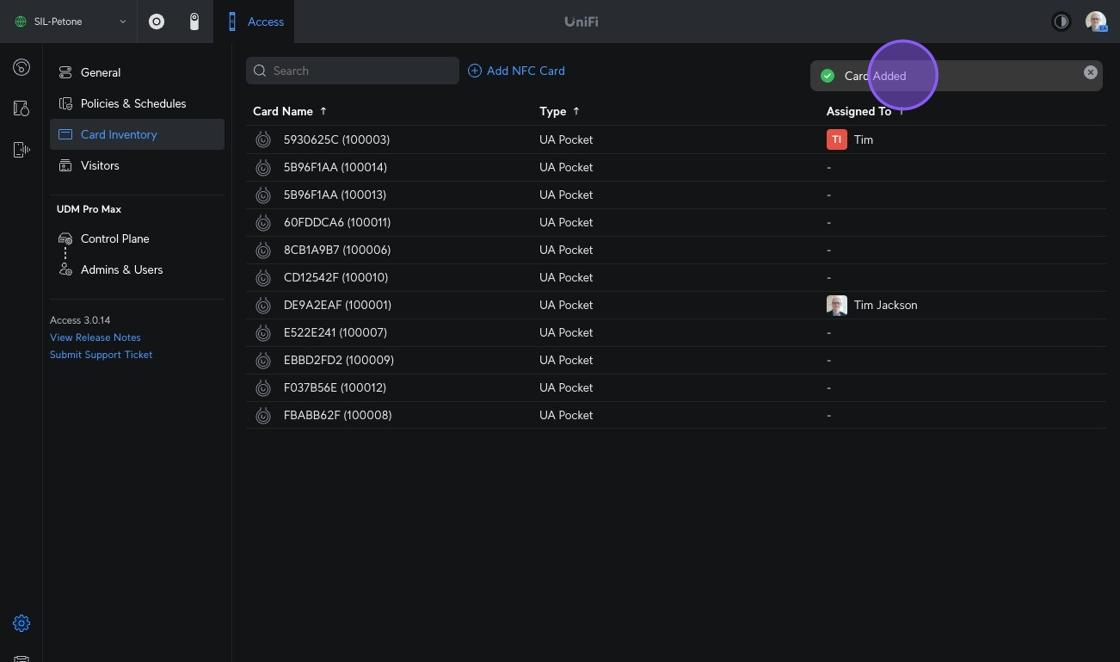
P9 - Manage Access Cards

1. Navigate to https://unifi.ui.com/consoles/28704E88522100000000085022E70000000008C1381B0000000066E2AD6B:1976541002/access/settings/system/security?site=default

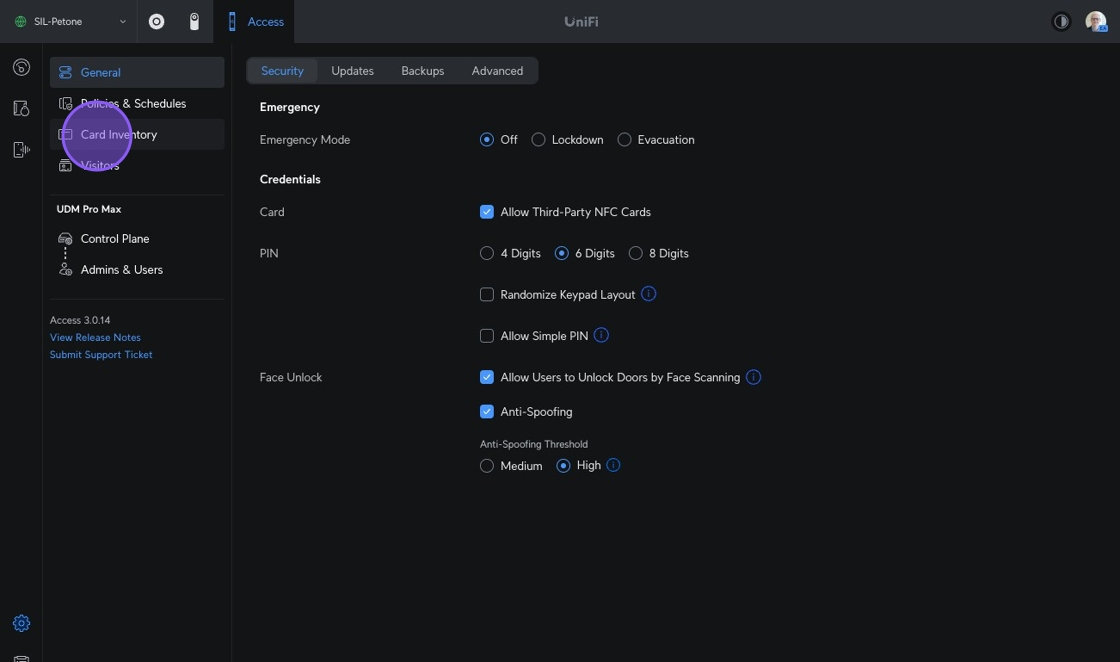
2. Click "Card Inventory"

img-4f583f17e3cb077471320a70b5dee55c

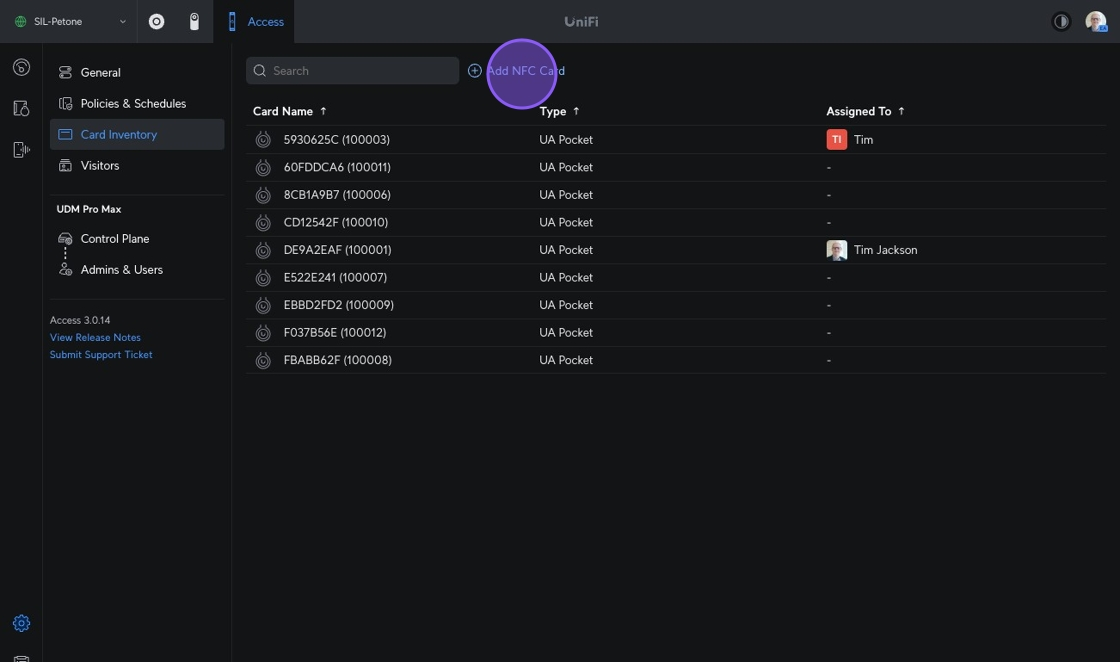
3. Click "Add NFC Card" img-a512f4e93918ee1bfc98f215c1e0398c

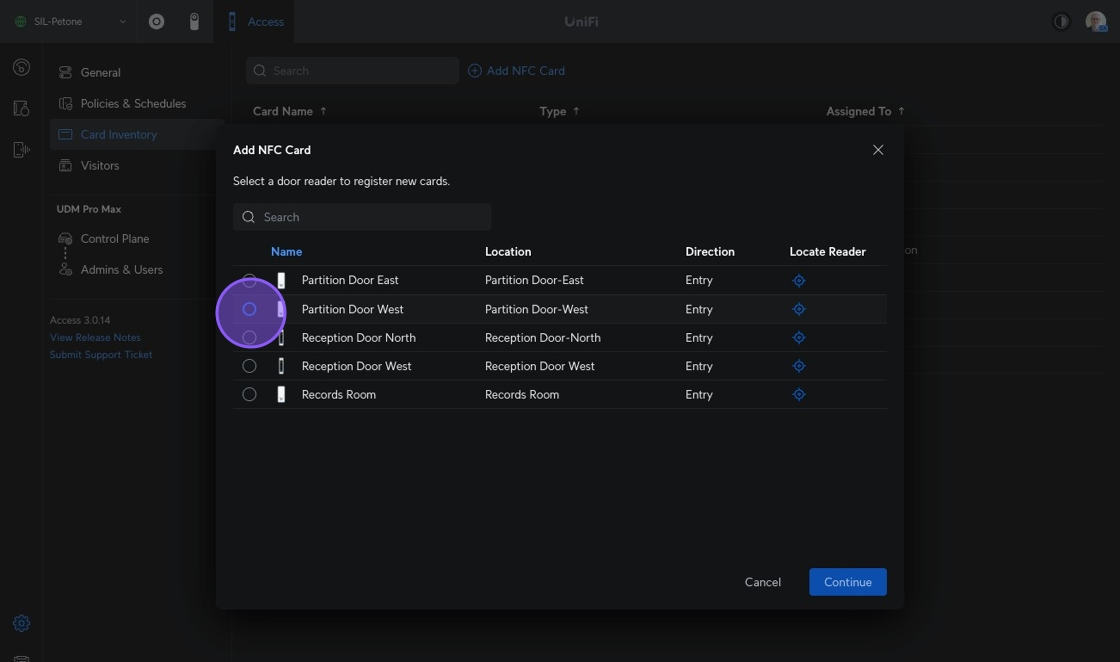
4. Select the reader nearest you img-7088eac448e65aa44c555431df7d0433

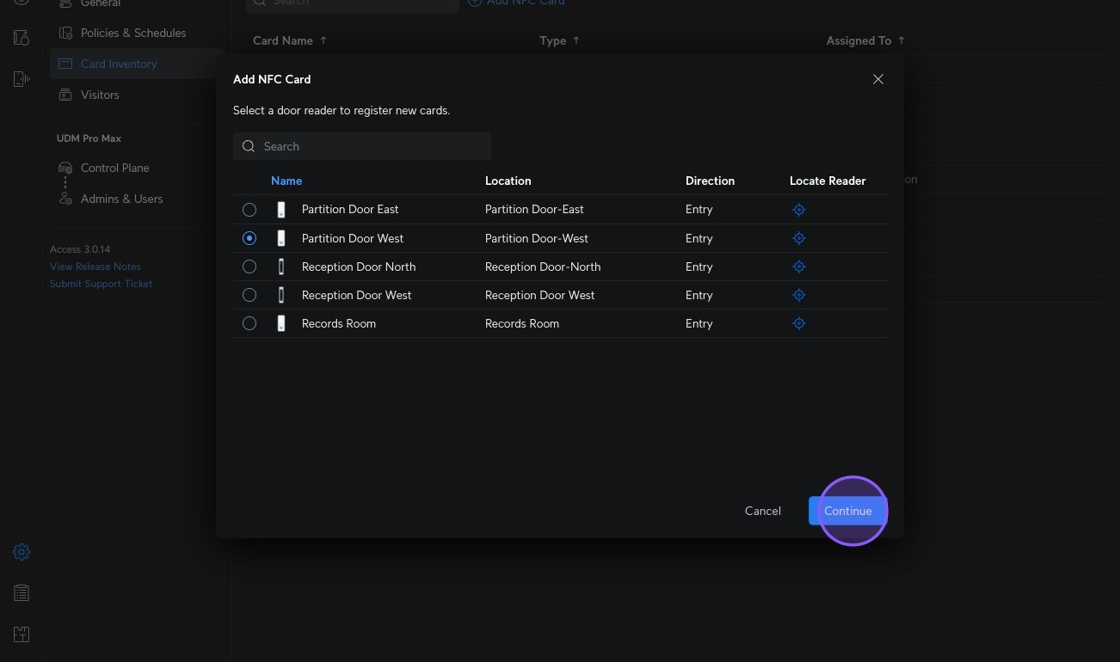
5. Click "Continue"

img-d31888b1e1c5255370378c5e6e76b330

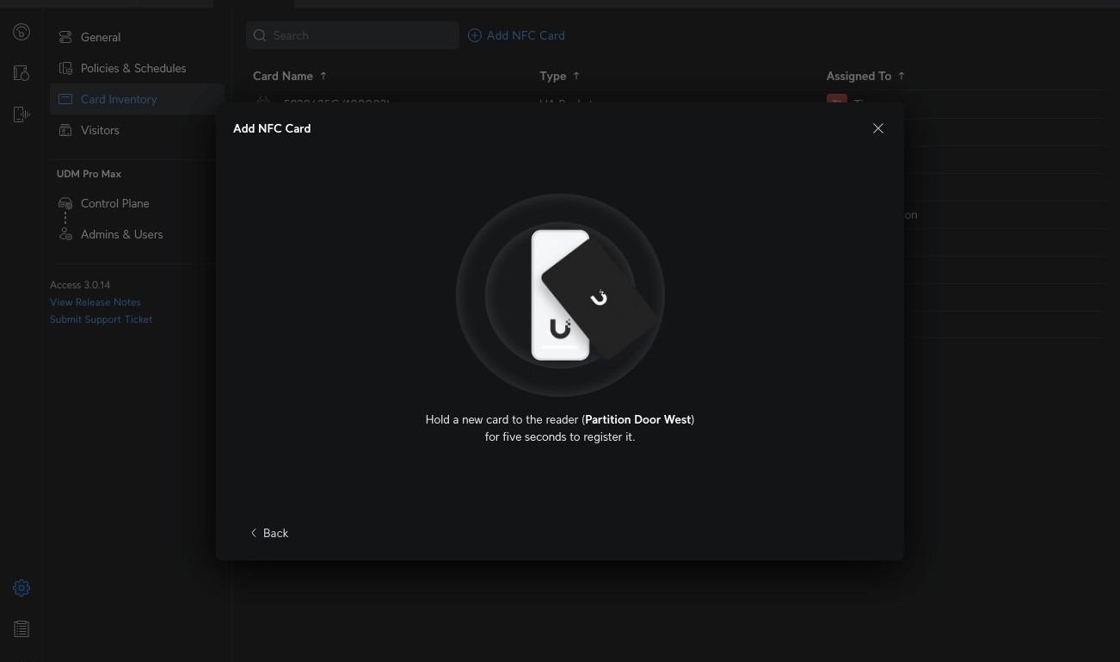
6. The Add NFC Card will appear - scan the card against the reader
img-6df0b797d1bfc0c15dac514a69a18285

7. Card will appear here if scan is successful img-60a3c17601542cf2e96c2c85d9b04905
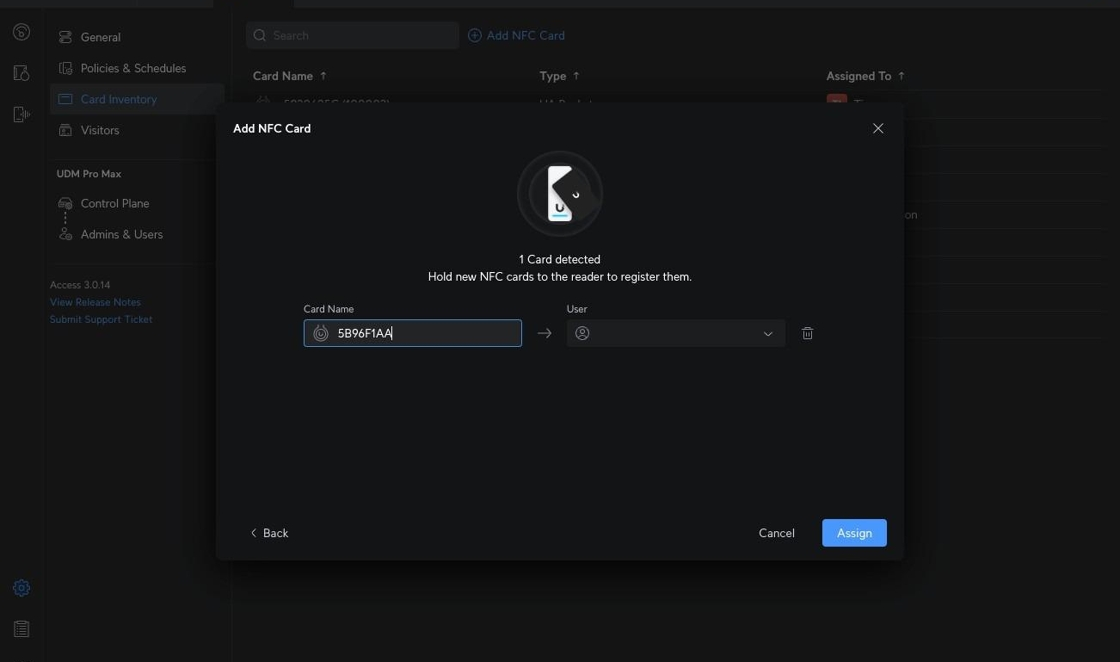
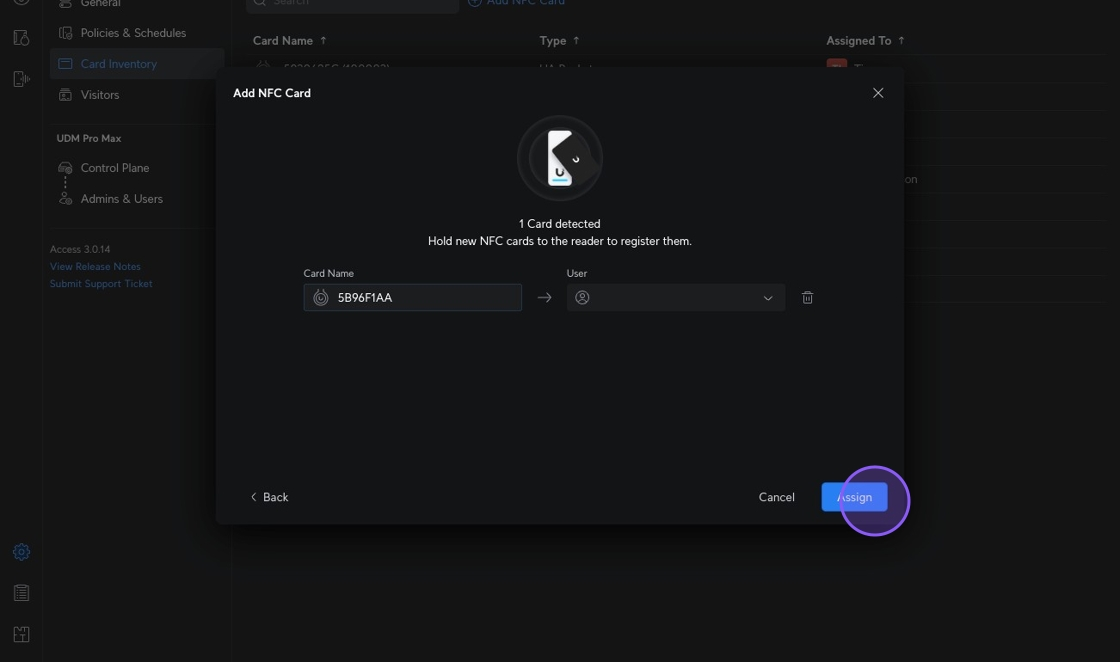
8. Click "Assign" or add a user if assigning directly to a user and not the pool of cards img-3874f0e36788140cc794ed578ca032d8
9. Click "Card Added"

img-7eeca3c6cb00a1de4e2b2e4032c75fea